

My Favorite Design Tools for Everyday Use
The right tools don’t make you a better designer – but they help you work smarter, faster, and more creatively.
The right tools don’t make you a better designer – but they help you work smarter, faster, and more creatively.
Good design starts with ideas, not software. But once that idea exists, tools become the bridge between concept and reality. Finding the right balance between creativity and efficiency is key.
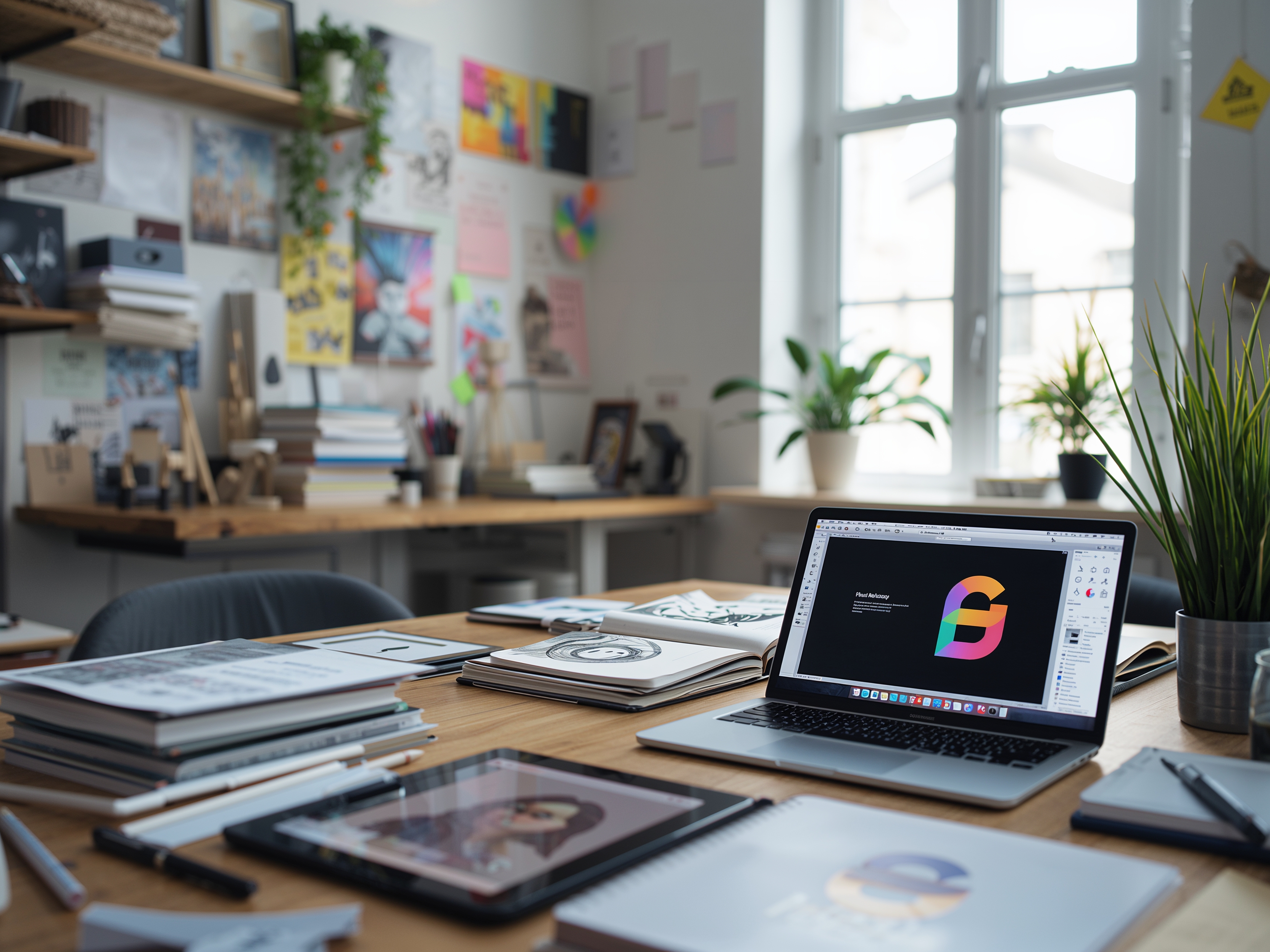
Here’s what I use almost every day:
Adobe Illustrator, InDesign & Photoshop: Still the backbone for precision and versatility.
Figma: Perfect for collaboration and digital interfaces.
Procreate: My go-to for sketching and early concepting on the iPad.
Notion & Milanote: Ideal for organizing thoughts, project planning, and collecting inspiration.
Mockup Tools (e.g. Artboard Studio): Help visualize real-world use cases for presentations.
If you read my post on From Sketch to Layout, you’ll see how I integrate analog and digital tools throughout my workflow.
Every designer has different needs. Instead of chasing trends, focus on tools that fit your way of thinking:
Stay consistent: Master a few tools instead of constantly switching.
Keep exploring: Try new ones occasionally to keep inspiration flowing.
Build a system: Combine tools for brainstorming, creation, and delivery.
Sometimes, too many tools can slow you down. The best tool is the one that makes you forget you’re using it – because it lets you focus on design itself.
Want to refine your creative setup? Let’s talk about how the right mix of tools can make your daily workflow smoother, more inspired, and more enjoyable.